The Video Call screen
How to navigate the call screen to get the most out of your Video Call consultation
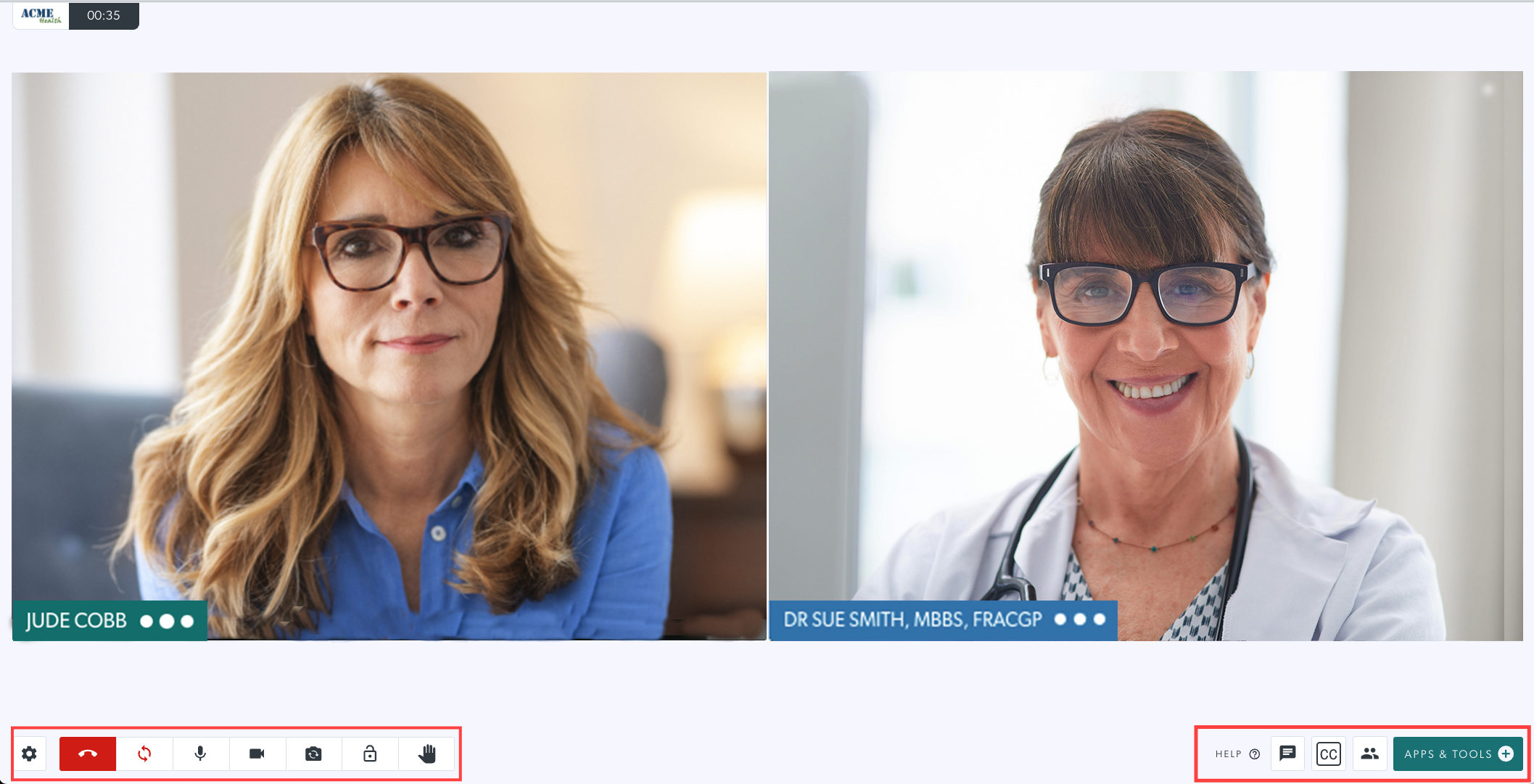
When you join a Video Call, the Video Call Screen opens in a new browser tab, window of in the Waiting Area view (depending on your clinic settings settings). There are various screen controls and functionality options.
Click here to view and download an infographic detailing the Video Call screen.
See the information links below for a detailed look at the call screen and the layout options, applications and tools available during a call.

Video Call Screen buttons and functions (click the link to find out more):

Video Call screen layout options

Call screen participant hover buttons
