Video Call Apps & Tools - share resources
Apps & Tools enable you to share your screen and other resources in the Video Call screen
What can you do with Video Call Apps & Tools?
You can share your screen, share and annotate documents and images, collaborate on a shared whiteboard, download shared files and share multiple cameras, including medical cameras and scopes, during consultations, using Video Call Apps & Tools. There are a suite of default Apps & Tools available for all clinics, some of which require configuration to enable them in the clinic.
Video Call Apps by Healthdirect
Healthdirect has also developed a number of bespoke applications for our users that can be configured and enabled by organisation and clinic administrators. These include Far End Camera Control, Virtual Forms, Patient Consult Summary and Services on Demand. For more information visit this page.
Accessing the Apps and Tools drawer
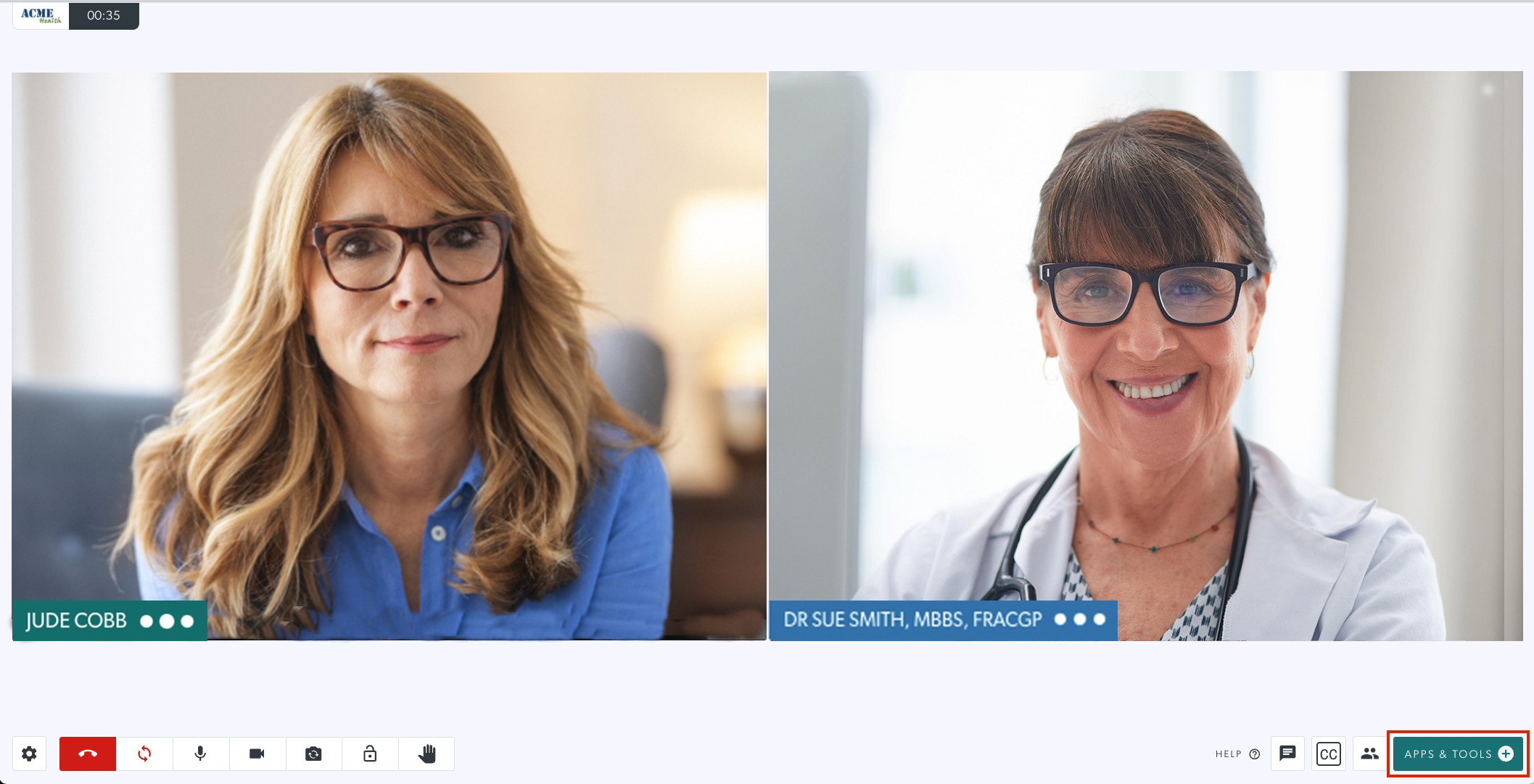
The Apps and Tools drawer can be opened by clicking on Apps and Tools at the bottom right of the call screen
Apps & Tools options
|
Clicking on Apps & Tools at the bottom right of the call screen opens the drawer at the right of the call screen. Some Apps can be requested and are configurable, so your list might look a little different to this image.
|
 |
More information about default Apps & Tools available in the call screen
 |
Share an image or PDF |
 |
Start a screenshare |
 |
Add a Whiteboard |
 |
Share document camera |
 |
Add a video |
 |
Grid View (2 panes) |
 |
Grid View (3 panes) |
 |
Request a camera |
 |
Share a file |
 |
YouTube player |
Managing Apps & Tools in the call
Click here to find out how to minimise or remove shared resources in your call.
Using the Resource Toolbar for shared resources

Why can't I see some of the apps or tools outlined above within a Video Call?
You may not see all of the apps or tools outlined above as some may have been uninstalled by your Organisation or Clinic Administrator. For information on configuration and uninstallation of tools, administrators can refer to Video Call App configuration. Please note that if you do uninstall any apps or tools from the Apps section you will need to contact the Healthdirect Video Call team to add them back to your clinic.