Examination cameras and scopes
The medical devices on this page are examples of compatible USB devices you can use in your Video Call
To find out how to connect an examination camera or scope into your Video Call, please click here. The following medical cameras and scopes have been tested with Video Call and work seamlessly to stream video into the consultation. These devices are examples of compatible devices rather than an exhaustive list.
Visionflex General Examination Camera HD (GEIS)
This is a hand-held telehealth consultation camera that can capture medical grade quality images and video in full HD 1080p resolution.
It enables the health service provider to perform a wide range of medical examinations, including skin, throat, dental and eye examinations.
This camera comes with a range of accessories to assist with these examinations. Some of these accessories are shown in the image to the right.

Visionflex Video USB Otoscope HD
The video otoscope is optimised for inspection of the auricle, the external auditory canal and the eardrum. Precision optics, high-intensity LED illumination and professional-grade camera electronics support an accurate diagnosis. visionflex.com.au

Visionflex Dental Intra-oral Camera HD C-U2
This intra-oral dental camera provides high definition details and an innovative design for maximum comfort when examining the mouth and teeth.

Visionflex Flexible Video Rhino Laryngoscope
This high-definition flexible video rhino laryngoscope can be used for visual examination of the upper respiratory tract structures, including the nasal tract, nasopharynx, oropharynx and larynx.

Besdata Video Otoscope VOT-02
High resolution camera with large screen and multiple scopes included: Otoscope, Sinuscope, Laryngoscope and Flexible scope.

Firefly DE500 Digital Video Otoscope
High resolution USB connected camera combined with a high magnification lens and multiple ultra-bright LEDs.
Delivers up to 50x optical and 150x digital magnification.

MedRx Video Otoscope
High resolution camera with USB connection. View and store digital images and live video recordings.

Remmie 4 otoscope
The Remmie 4 can be used for the examination of the ear, nose and throat (ENT). It is an intelligent device powered by AI and features an adjustable light, video and image capture capabilities.
Plug the device into your computer, phone or tablet. To connect the device, hold down the power button until the light flashes. It will then appear as a camera option in the call screen for you to select and stream the video into the call.

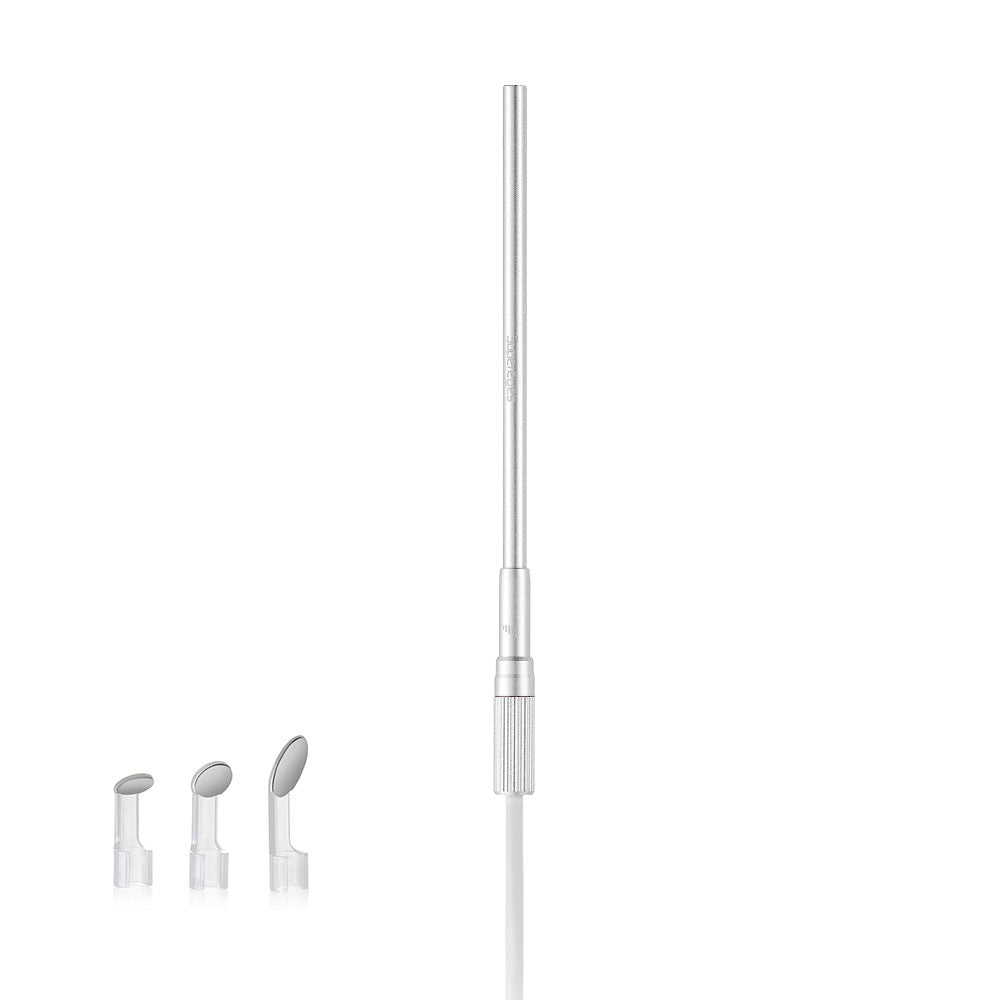
Supereyes Y008 Digital Otoscope/Microscope
This scope can be used for ear and nose examinations.

Supereyes Waterproof Microscope/Handheld Digital Otoscope Endoscope